What Does Keine Karriere Subdomain Gefunden Mean?
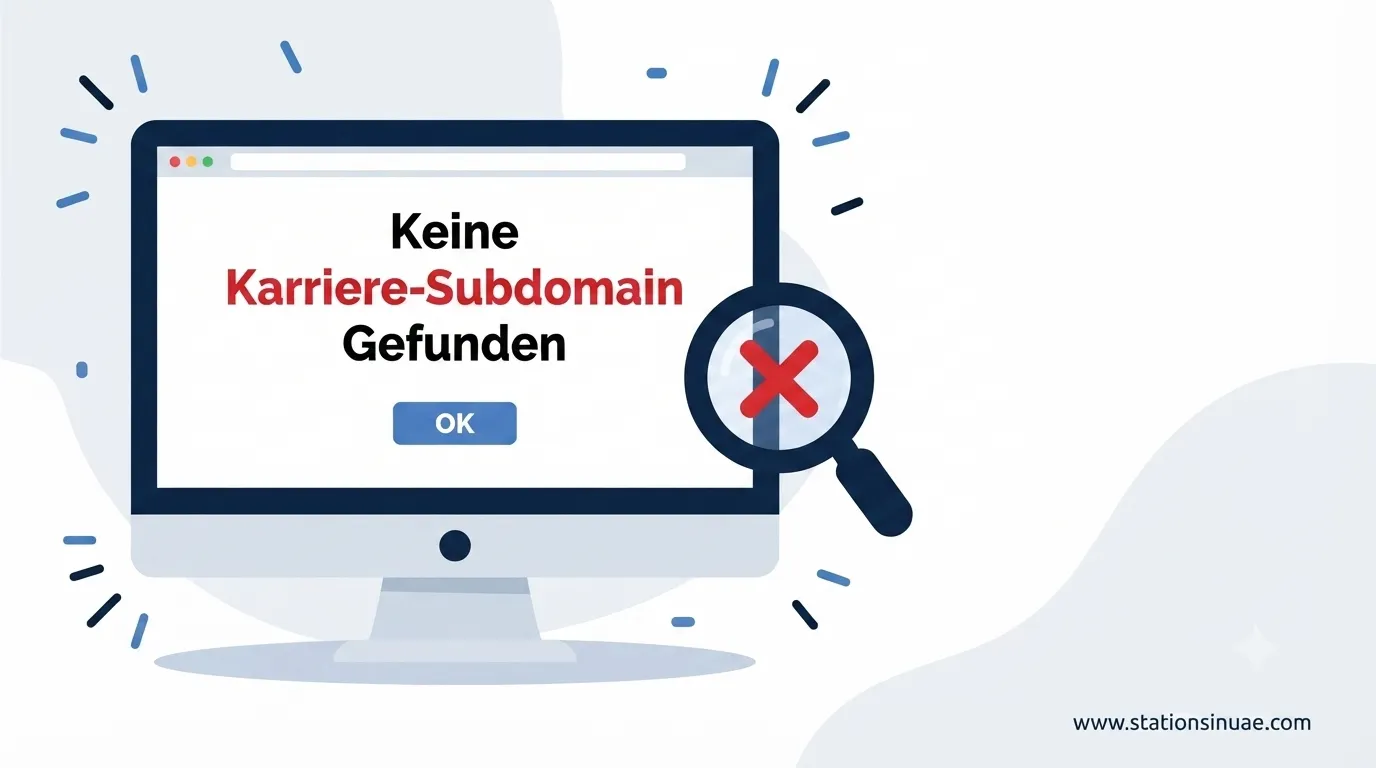
“Keine Karriere-Subdomain gefunden” translates to “No career subdomain found.”
It usually appears when a website, recruitment system, browser, or other software cannot locate the dedicated online area used for job opportunities. A company may normally use an address such as careers.company.com, jobs.company.com, or karriere.company.com, but that address may be missing, incorrectly configured, inaccessible, or no longer connected to the correct recruitment system.
The problem is not always caused by the complete absence of a career page. A company could instead have its jobs available at company.com/careers. The issue can occur when a system specifically expects a career subdomain but the company uses a different website structure.
For a job seeker, this can mean an empty page, broken link, failed application journey, or missing job listings. For the company, it can create technical, SEO, recruitment, and employer-branding problems.
Common Career URL Structures
| Structure | Example | Typical Setup |
|---|---|---|
| Career subdomain | careers.company.com | Separate subdomain |
| Jobs subdomain | jobs.company.com | Recruitment-focused subdomain |
| German career subdomain | karriere.company.com | German-language recruitment area |
| Hiring subdomain | hiring.company.com | Hiring-focused area |
| Career subfolder | company.com/careers | Career section inside the main website |
Both a subdomain and a subfolder can be suitable. The right choice depends on the company’s technical requirements, recruitment technology, website structure, hosting, analytics, and SEO strategy.
Why Can a Career Subdomain Disappear?
A missing career subdomain can have several causes. Some are simple configuration mistakes, while others can appear after website migrations, recruitment-platform changes, or server problems.
1. The Subdomain Was Never Created
The simplest explanation is that the company does not actually have a career subdomain.
For example, a company may advertise jobs through:
company.com/careers
while an external system expects:
careers.company.com
The system may therefore report that the career subdomain cannot be found even though the company has a working career section.
2. DNS Records Are Missing or Incorrect
DNS connects a domain or subdomain with the appropriate server or service.
Important DNS record types include:
| DNS Record | General Purpose |
|---|---|
| A record | Connects a hostname with an IPv4 address |
| CNAME | Points one hostname toward another hostname |
| AAAA record | Connects a hostname with an IPv6 address |
If the necessary record is missing, outdated, conflicting, or pointing to the wrong destination, the career website may become inaccessible.
Old DNS records can also create problems when a recruitment platform, hosting provider, or website infrastructure has been changed.
3. SSL Does Not Cover the Career Address
A career subdomain needs appropriate HTTPS protection.
An SSL certificate covering example.com does not automatically mean that every possible subdomain is covered. Depending on the certificate configuration, careers.example.com may require its own certificate or suitable wildcard coverage.
A Wildcard SSL certificate can use a format such as:
*.company.com
An incorrectly configured or expired certificate can cause browser security warnings or prevent users from reaching the recruitment page.
Let’s Encrypt is one certificate service mentioned in connection with this issue. Its certificates require renewal every 90 days.
4. The Website Was Migrated
Website migrations can affect several parts of a career platform at once.
During a migration, the following may need to be reviewed:
- DNS records
- SSL certificates
- Redirect rules
- Reverse proxies
- Load balancers
- Firewall settings
If even one part is incorrectly configured, the career address may stop working.
5. The Career Platform Changed
Many companies connect their career pages with Applicant Tracking Systems (ATS).
Examples include:
- Greenhouse
- Lever
- Workday
- SmartRecruiters
- SAP SuccessFactors
A company might keep its career address while forwarding applicants to an external ATS. If the integration, forwarding rule, or recruitment-platform configuration changes, the career journey can break.
6. Temporary Server or Network Problems
Not every missing career page represents a permanent configuration problem.
Temporary failures can result from:
- Scheduled maintenance
- Unexpected server failures
- Database crashes
- Cloud-provider incidents
- Network disruptions
This is why checking the server and infrastructure before making permanent changes is important.
DNS Propagation Can Take Time
DNS changes are not necessarily visible everywhere immediately.
Propagation may take from a few minutes to as long as 48 hours globally, depending on the change and DNS environment.
After making a DNS update, immediately assuming that the configuration failed can therefore lead to unnecessary changes.
A practical approach is to:
- Confirm the DNS record.
- Check the nameservers.
- Test the new destination.
- Allow time for propagation.
- Test again from different networks or DNS-checking services.
For certain changes, waiting at least 1 hour before performing another check can be useful, while broader DNS propagation may continue for up to 48 hours.
How to Fix a Missing Career Subdomain
A systematic troubleshooting process makes the problem easier to identify.
Step 1: Confirm the Expected Career URL
First determine which address the company actually intends to use.
Check whether the recruitment page is located at:
- careers.company.com
- jobs.company.com
- hiring.company.com
- karriere.company.com
- company.com/careers
This prevents unnecessary DNS or server changes when the website simply uses a different structure.
Step 2: Check DNS Configuration
Review the relevant DNS records and confirm that they point toward the intended service.
Pay particular attention to:
- A records
- CNAME records
- AAAA records
- Nameservers
- Old records
- Conflicting records
DNS-checking services can help determine whether the same configuration is visible from different locations.
Step 3: Verify SSL Coverage
Open the career address using HTTPS and check whether the certificate is:
- Valid
- Current
- Issued for the correct hostname
- Properly configured after migration
If the certificate does not cover the career subdomain, the site can generate security warnings or become inaccessible.
Step 4: Review Redirects
Incorrect redirects can send visitors to an outdated or nonexistent destination.
Both 301 and 302 redirects may be used depending on whether a change is intended to be permanent or temporary.
Check:
- Main-domain career links
- Redirect destinations
- Old career URLs
- Recruitment-platform redirects
- Redirect chains
- Incorrect .htaccess rules
Step 5: Test Server Connectivity
If DNS appears correct but the page still cannot be reached, investigate server connectivity.
Useful diagnostic methods include:
- ping
- traceroute
- server-status checks
- browser testing
- network testing
These checks can help distinguish a DNS problem from a server or network problem.
Step 6: Clear Cached Data
A recently repaired website may still appear broken because an old version is cached.
Test using:
- A private/incognito browser window
- Cleared browser cache
- Cleared server cache
- Purged CDN cache
- Cleared cache-plugin data
This is particularly important after changing redirects, DNS, or career-page content.
Step 7: Test the Complete Application Journey
A working homepage is not enough.
A proper test should follow the complete journey:
Career page → Job listing → Job details → Application page → Recruitment platform → Application submission
This helps identify problems that may exist after the initial career page loads.
SEO Impact of a Missing Career Subdomain
A broken career address can affect more than direct visitors.
Search engines need to discover, crawl, understand, and index recruitment content. If job pages are inaccessible or poorly connected, the company may lose opportunities to appear for relevant employment searches.
Potential SEO effects include:
- Lower rankings for job-related searches
- Reduced organic traffic
- Poor indexing of job listings
- Fewer keyword-targeting opportunities
- Weak internal linking
A dedicated career area can also provide a clear thematic structure for employment content.
However, using a subdomain is not automatically better for SEO. A company.com/careers structure can also be effective and may benefit more directly from the main website’s existing SEO authority.
The important factor is a technically accessible, well-structured, useful career experience.
Candidate Experience Matters
A job seeker usually expects a straightforward path from a company website to available positions.
When the career section fails, the consequences can include:
- Application abandonment
- Loss of confidence
- Perceived lack of professionalism
- Choosing a competing employer
- Candidate drop-off
The technical issue therefore becomes a recruitment issue.
A candidate may never know whether the underlying cause was DNS, SSL, an ATS integration, a migration, or a redirect. They simply experience a broken or confusing application process.
Employer Branding and Recruitment
The career website is often one of the first places where potential employees learn about an organization.
A useful career area can include:
| Career Content | Purpose |
|---|---|
| Company overview | Explains who the organization is |
| Company culture | Shows the working environment |
| Open positions | Displays available opportunities |
| Job filters | Helps candidates find suitable roles |
| Application process | Explains what happens after applying |
| FAQs | Answers common candidate questions |
| Contact information | Provides a direct communication route |
| Employee testimonials | Adds first-hand workplace perspectives |
| Learning and development | Shows opportunities for professional growth |
| Diversity and inclusion | Communicates workplace commitments |
| Mission and values | Explains the organization’s direction |
Keeping this information accessible can support both candidate confidence and employer perception.
Who Needs to Be Involved?
Career-subdomain problems rarely belong to one department alone.
Three important teams are:
- Human Resources
- IT
- Marketing
HR understands recruitment requirements and candidate experience.
IT manages infrastructure such as DNS, SSL, servers, redirects, security, and integrations.
Marketing can support website structure, employer branding, content, internal linking, and search visibility.
Coordination between these teams reduces the chance that a technical change will unintentionally damage the recruitment experience.
Career Subdomain vs Career Subfolder
There is no universal requirement to use a subdomain.
| Factor | Career Subdomain | Career Subfolder |
|---|---|---|
| Example | careers.company.com | company.com/careers |
| DNS | Separate configuration | Main website configuration |
| Hosting | Can be independently hosted | Usually shares main hosting |
| ATS integration | Can be convenient | Can also be integrated |
| SEO management | Separate environment | More closely connected to main site |
| Maintenance | Can have separate schedules | Usually follows main site |
| Branding | Highly flexible | Closely connected to main website |
| Analytics | Can be separated | Can be managed within main site |
A subdomain can provide technical separation and flexible infrastructure. A subfolder can provide a simpler structure and stronger integration with the main website.
The decision should be based on the actual technical and recruitment requirements rather than treating one structure as universally superior.
Security Risk: Abandoned Subdomains
Unused subdomains can create a security concern when they remain connected to discontinued external services.
The general sequence can look like this:
- A company creates a subdomain.
- The subdomain points to an external service.
- The external service is cancelled.
- The DNS record remains.
- The abandoned resource may potentially be claimed by another party.
This is known as subdomain takeover.
Companies can reduce this risk by:
- Maintaining a subdomain inventory
- Monitoring active subdomains
- Removing unused DNS records
- Reviewing external service connections
- Updating DNS when recruitment software changes
Removing an unused DNS record is particularly important when the external resource is no longer controlled by the company.
Practical Troubleshooting Checklist
Use this checklist when “keine Karriere-Subdomain gefunden” appears.
| Check | What to Verify |
|---|---|
| Career URL | Confirm the intended address |
| DNS | Check A, CNAME, and AAAA records |
| Nameservers | Confirm the correct DNS provider |
| SSL | Verify certificate coverage and expiry |
| Redirects | Test 301 and 302 rules |
| Server | Check availability and connectivity |
| CDN | Purge outdated cached content |
| Browser | Test in an incognito window |
| ATS | Check recruitment-platform integration |
| Sitemap | Confirm career URLs are correctly represented |
| Internal links | Check navigation from the main website |
| Application | Test the complete application journey |
| Security | Remove abandoned external connections |
Tools That Can Help
Different tools can be useful at different stages of the investigation.
DNS and Domain Checks
DNSChecker, MXToolbox, and WhatsMyDNS can help inspect DNS information and propagation from different locations.
Website and Infrastructure Services
Cloudflare and GoDaddy may be involved in DNS, domain, CDN, or infrastructure configuration depending on the website setup.
Monitoring
Pingdom can help monitor website availability and identify recurring downtime.
Search Visibility
Google Search Console can help identify indexing, crawling, and search-visibility issues affecting career content.
Certificate Management
Let’s Encrypt can provide SSL certificates, but certificate renewal and hostname coverage still need to be monitored.
Long-Term Prevention
Fixing the current error is only part of the solution. A company should also create a process for preventing the same problem from returning.
Useful measures include:
- Maintain an up-to-date subdomain inventory.
- Monitor DNS changes.
- Track SSL expiration and renewal.
- Review career links after website migrations.
- Test ATS integrations regularly.
- Monitor website uptime.
- Keep redirects documented.
- Remove unused DNS records.
- Review career-page indexing.
- Test the application process regularly.
These measures can reduce technical failures while protecting candidate experience and recruitment performance.
Key Numbers at a Glance
| Metric | Figure |
|---|---|
| Example career subdomain formats | 3 |
| Common DNS record types discussed | 3 |
| Major career-subdomain advantages | 7 |
| Temporary downtime causes | 5 |
| Named ATS platforms | 5 |
| Migration/configuration areas to review | 6 |
| Candidate-experience consequences | 5 |
| Main SEO problems | 5 |
| Long-term career-area benefits | 5 |
| DNS propagation window | A few minutes to 48 hours |
| Suggested wait after certain DNS changes | At least 1 hour |
| Let’s Encrypt renewal period | 90 days |
| FAQ topics in the referenced material | 15 in one detailed FAQ section |
| Redirect types specifically discussed | 2: 301 and 302 |
| Core collaborating departments | 3: HR, IT, Marketing |
Final Takeaway
“Keine Karriere-Subdomain gefunden” is usually a sign that a career website or its expected technical connection cannot be located. The underlying reason can range from a missing subdomain or DNS record to SSL problems, redirects, migrations, server downtime, or an ATS integration failure.
The best response is a structured investigation: confirm the intended career URL, inspect DNS, verify SSL, review redirects, test server connectivity, clear caches, check recruitment integrations, and finally test the complete application journey.
A technically sound career website should also be easy for candidates and search engines to discover. Whether a company uses careers.company.com or company.com/careers, the priority should be reliable access, clear information, strong internal linking, secure connections, and a smooth path from discovering a vacancy to completing an application.